

Looking to eradicate em dashes from your WordPress website – at least for now? We built an Em Dash Detector plugin to help you do just that. And we’re giving it away.
Why we did it
Let’s be clear here: we love the em dash. Unfortunately, so do popular AI models like ChatGPT, Jasper, and Claude (Anthropic). So even if you are writing your own copy (like this post) instead of having AI do it, using an em dash can give the reader the wrong impression.
To the brands holding strong to em dash usage and refusing to modify their corporate ID to bend to the trend, we offer our heartfelt support.
But for those brands who simply want to prevent those sneaky (and lovely) longer dashes from living on their WordPress website, we’re here for you.
More details are below. But if you’re already thinking, “I don’t need to read anything more, just send me the Em Dash Detector code,” we’d be happy to. Just send an email to hello@s3mcmillan.com.
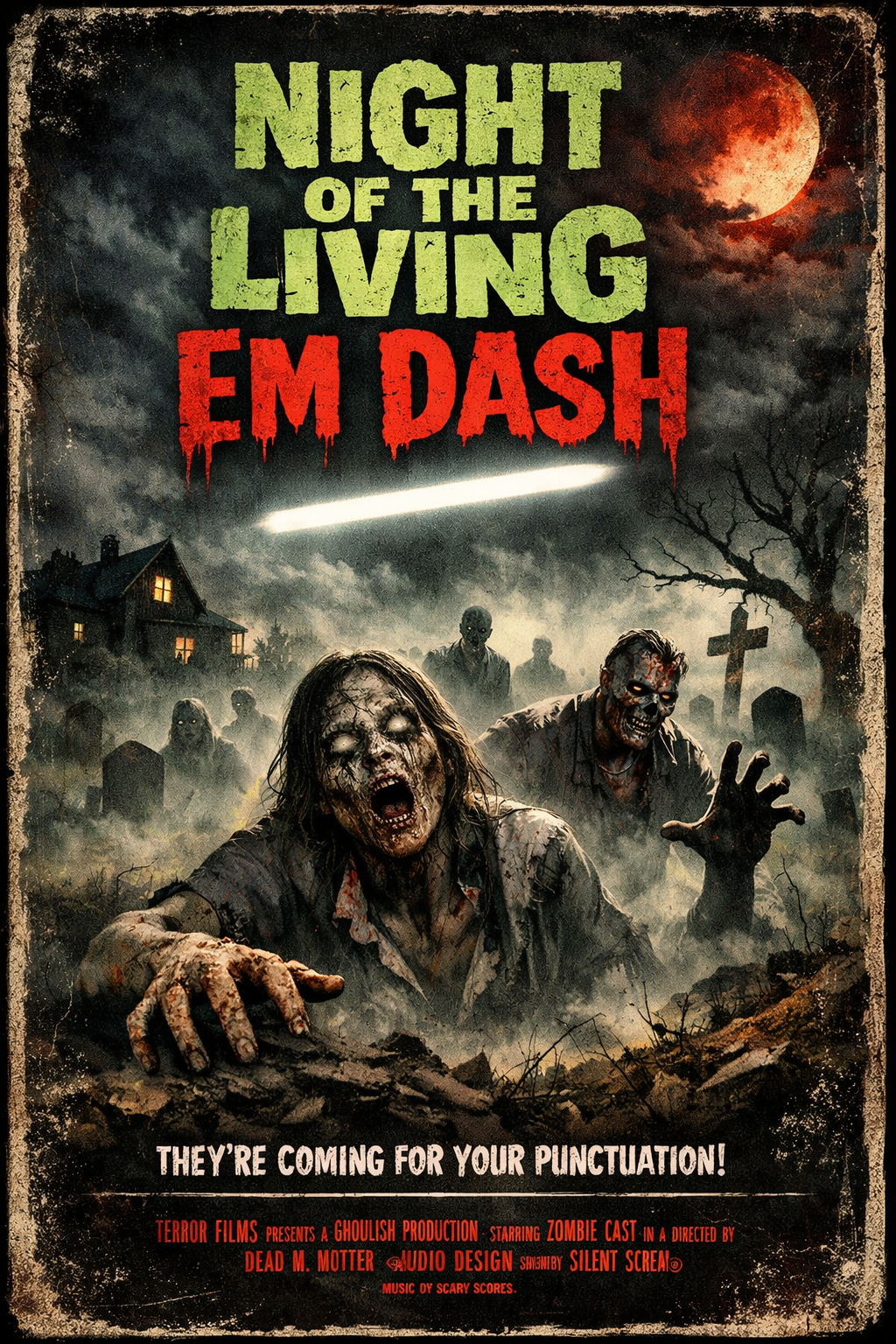
The practical problem
On a WordPress website, em dashes can hide everywhere. They show up in places like:
- old blog posts
- landing pages no one has touched in years
- Elementor blocks you forgot existed
- content written by multiple authors
Manually finding and fixing them isn’t exactly a full-time job – but it is tedious, inconsistent, and a dissatisfying use of time.
That’s exactly how our lead programmer felt about our own WordPress site. So he built a simple QA tool to address the issue and help s3mcmillan.com stay aligned with the agency’s current style.
It works so well that we decided to share it!
What the Em Dash QA Plugin actually does
This WordPress plugin does one thing and one thing only: it detects em dashes in saved WordPress content and alerts editors when they appear.
That’s it. It doesn’t change your content, block publishing, or even “fix” anything automatically. It simply alerts the editor (in our case, the developer who was fed up with the constant em dash hunt) so they can easily switch to a nice, human-centric en dash. Because searching is the annoying part; fixing it is easy (and satisfying, really).
Where you’ll see it
Our free Em Dash QA Plugin for WordPress appears in a few places:
- Post editor (Classic, Gutenberg, CPTs):
a yellow admin notice appears if em dashes are present - Elementor editor:
a fixed banner inside the editor that re-checks after saving - Admin list views:
an “Em Dash QA” column shows a green 0 or a yellow count badge
A quick look under the hood
For those who want the technical details, here is the short version:
- It scans both post_content and Elementor’s _elementor_data
- It normalizes text by decoding entities, stripping HTML, and collapsing whitespace
- Near-identical Elementor strings are de-duplicated to avoid double-counting
- Literal em-dash characters are counted using UTF-8 byte matching
- Counts are cached in post meta for performance and cleared on save
The result: editors always know when em dashes sneak in anywhere on the site – so they can whack-a-mole in real time.
Want the plugin? We’re giving it away!
Just email hello@s3mcmillan.com and we’ll send you the code. Short and sweet.
(Hey, “Short and Sweet” would be a great name for this plugin that helps people easily find long em dashes to replace them with shorter en dashes…)
Disclaimer: this is the same tool we are using on our own site, and we happily take responsibility for that. We can’t take responsibility for your site. But if you need a new website, we know a great agency that can make that happen!